PS Maker
A downloadable PS Maker for Windows, macOS, and Linux
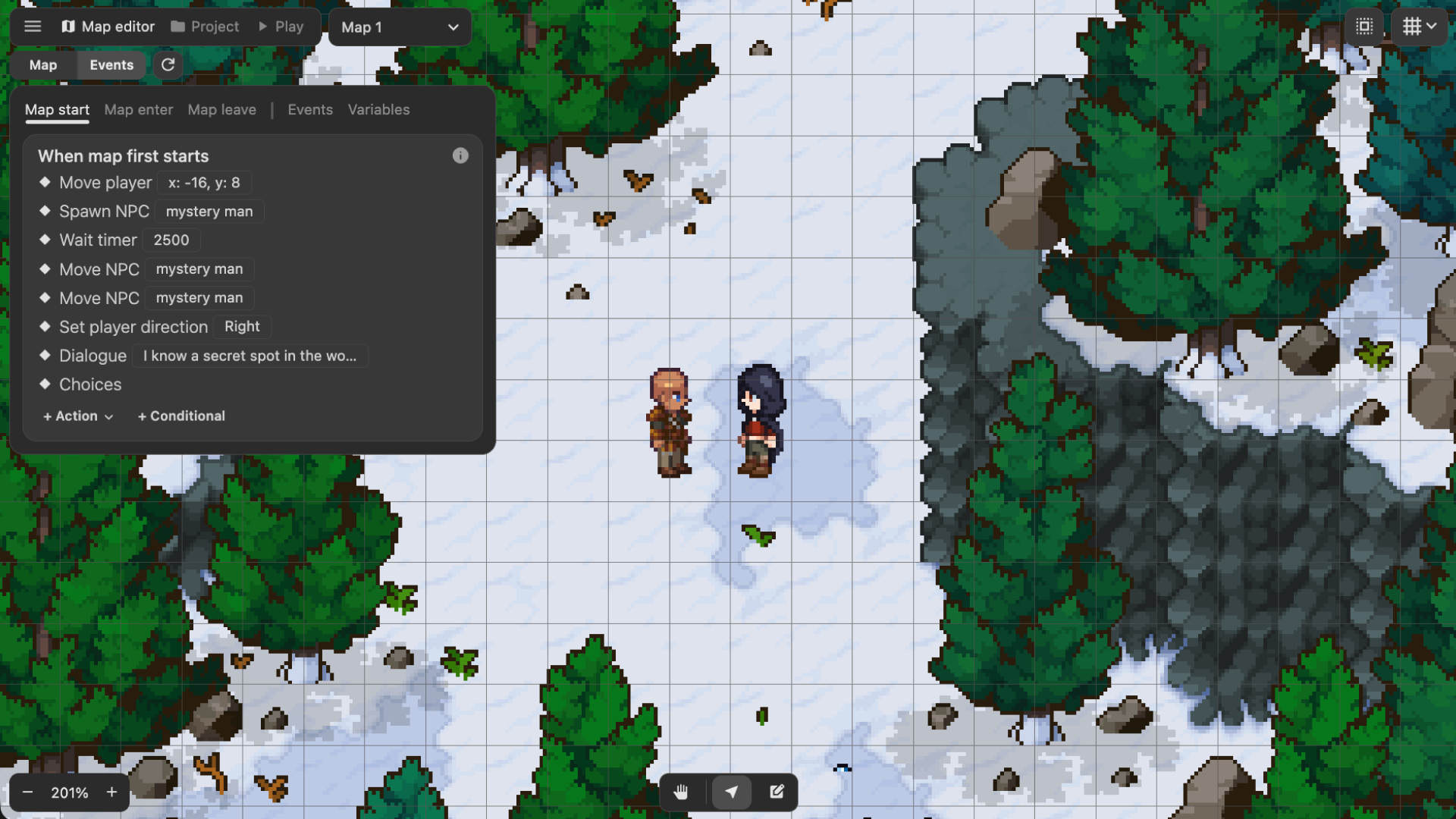
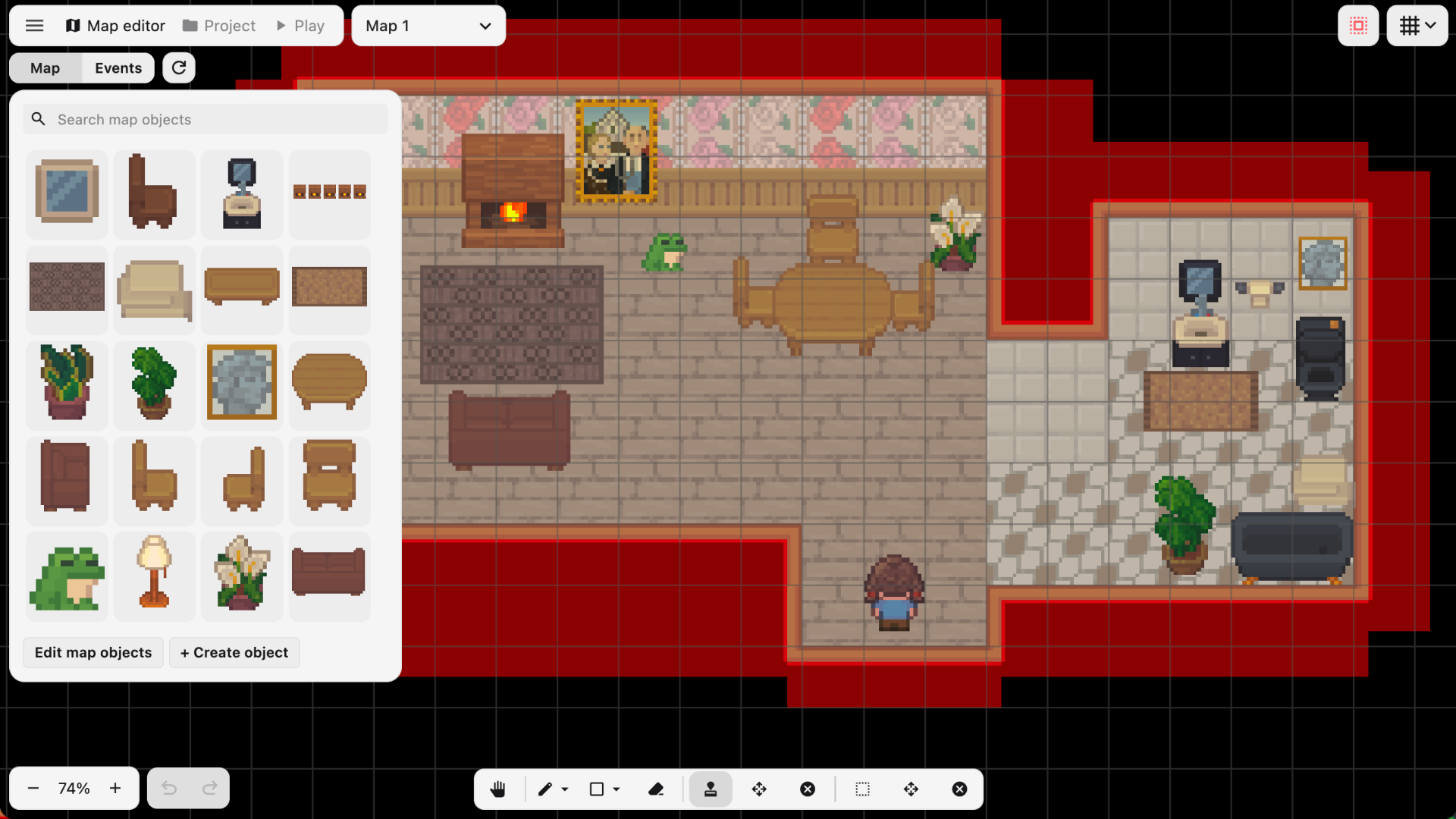
Create 2D top-down story-driven exploration games without writing any code! PS Maker lets you build maps, add characters, write dialogue, set up puzzles, and trigger cutscenes to tell your story. Once it's ready, share your games instantly with friends!
▶ PS Maker Web Demo (includes interactive tutorial!)
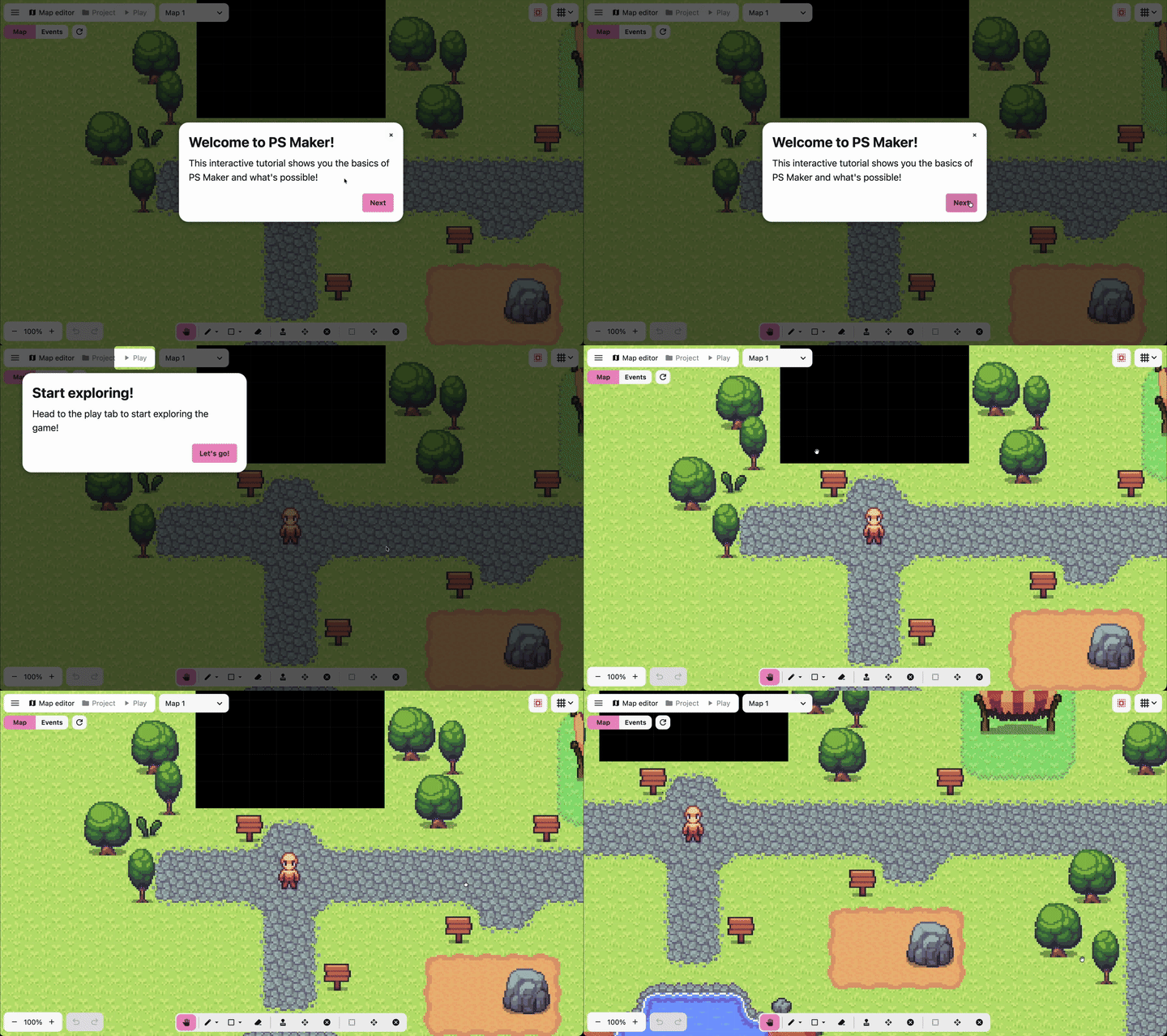
The features available with the full version include:
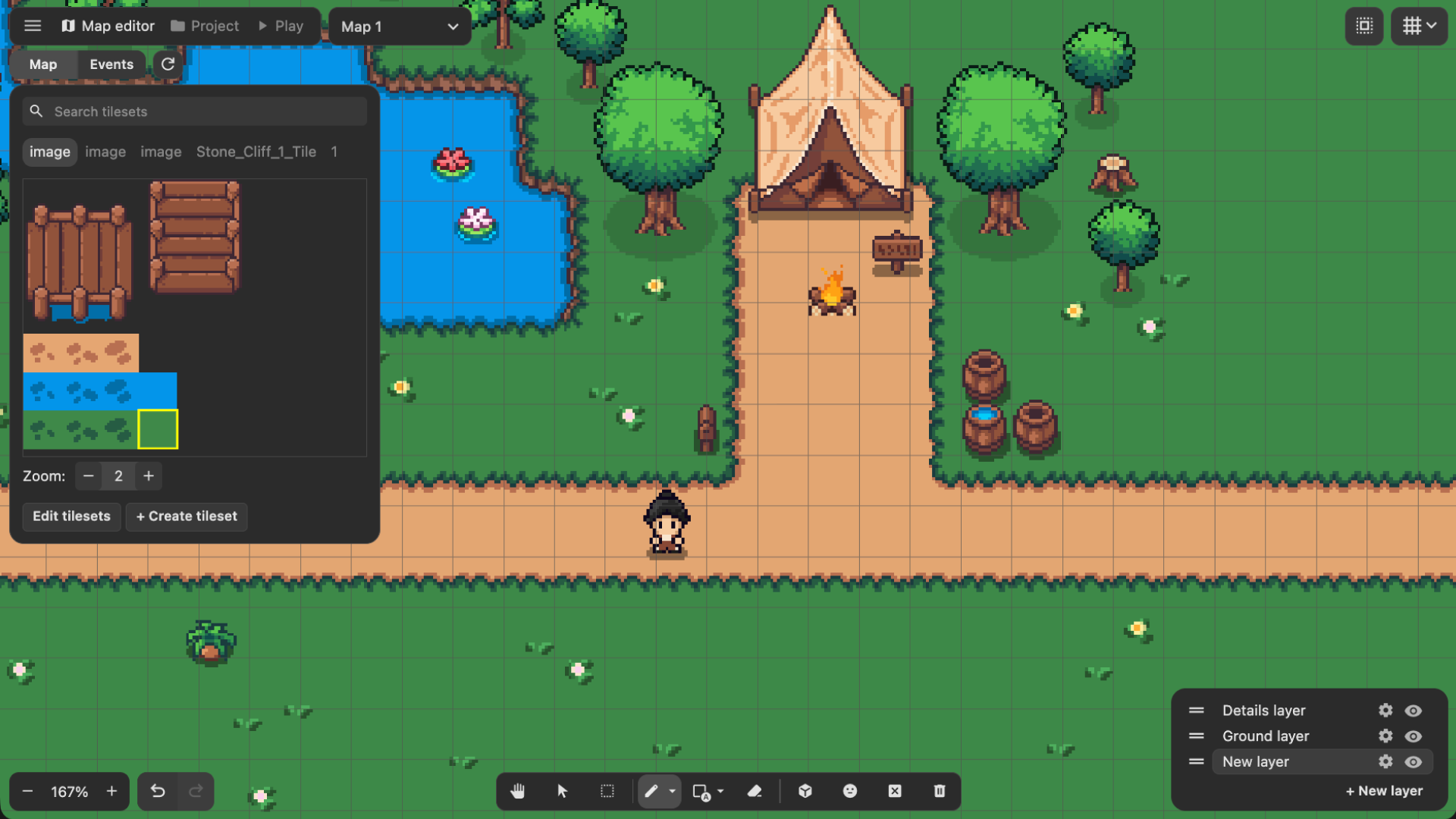
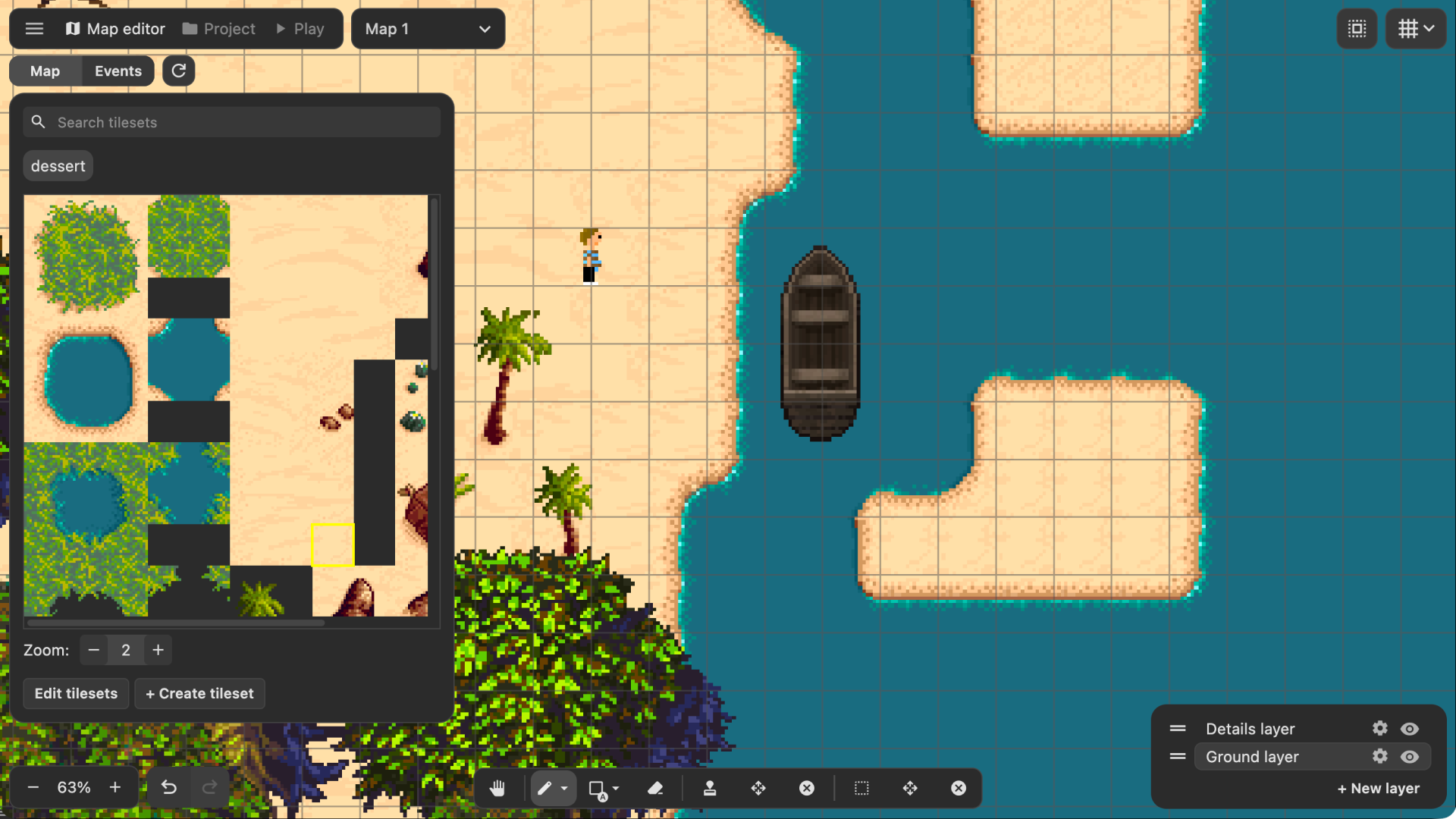
- 2D Top-down Map Editor
- Map objects with depth sorting and collisions
- Tilesets and autotiles with map layers
- Undo/Redo support
- No-code Event System
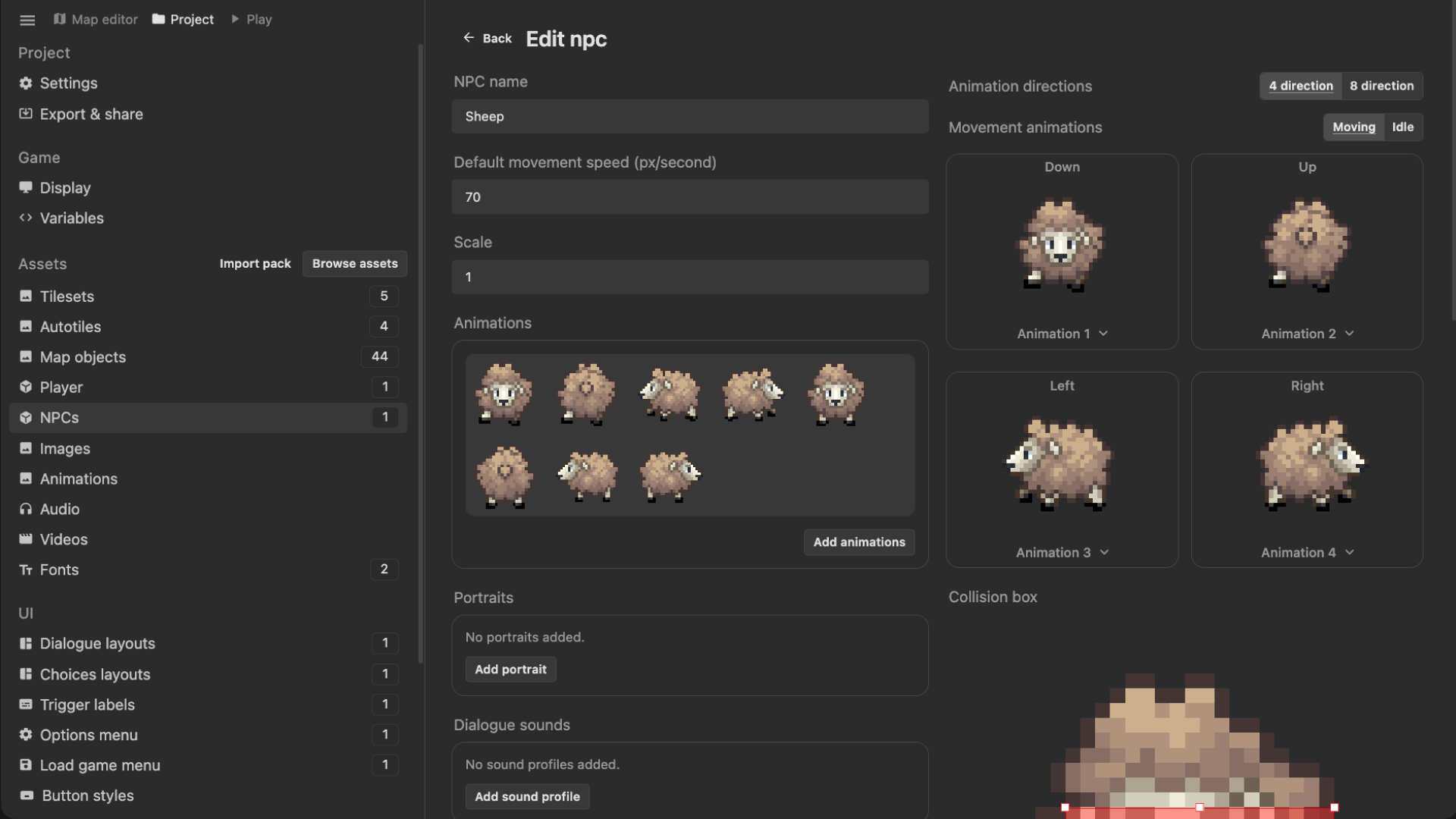
- Control NPCs, trigger cutscenes, and build game mechanics
- Player interaction/touch triggers system
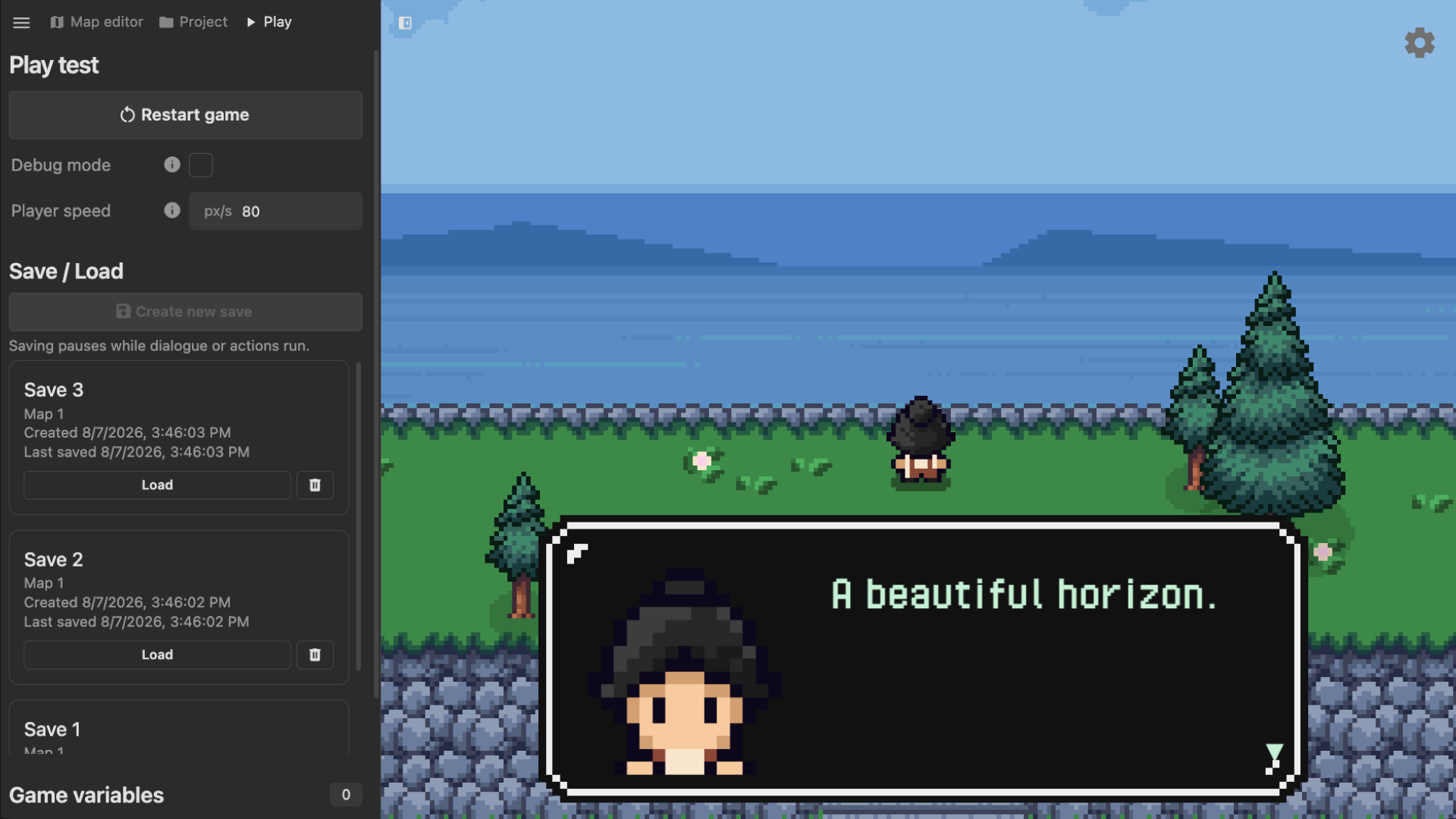
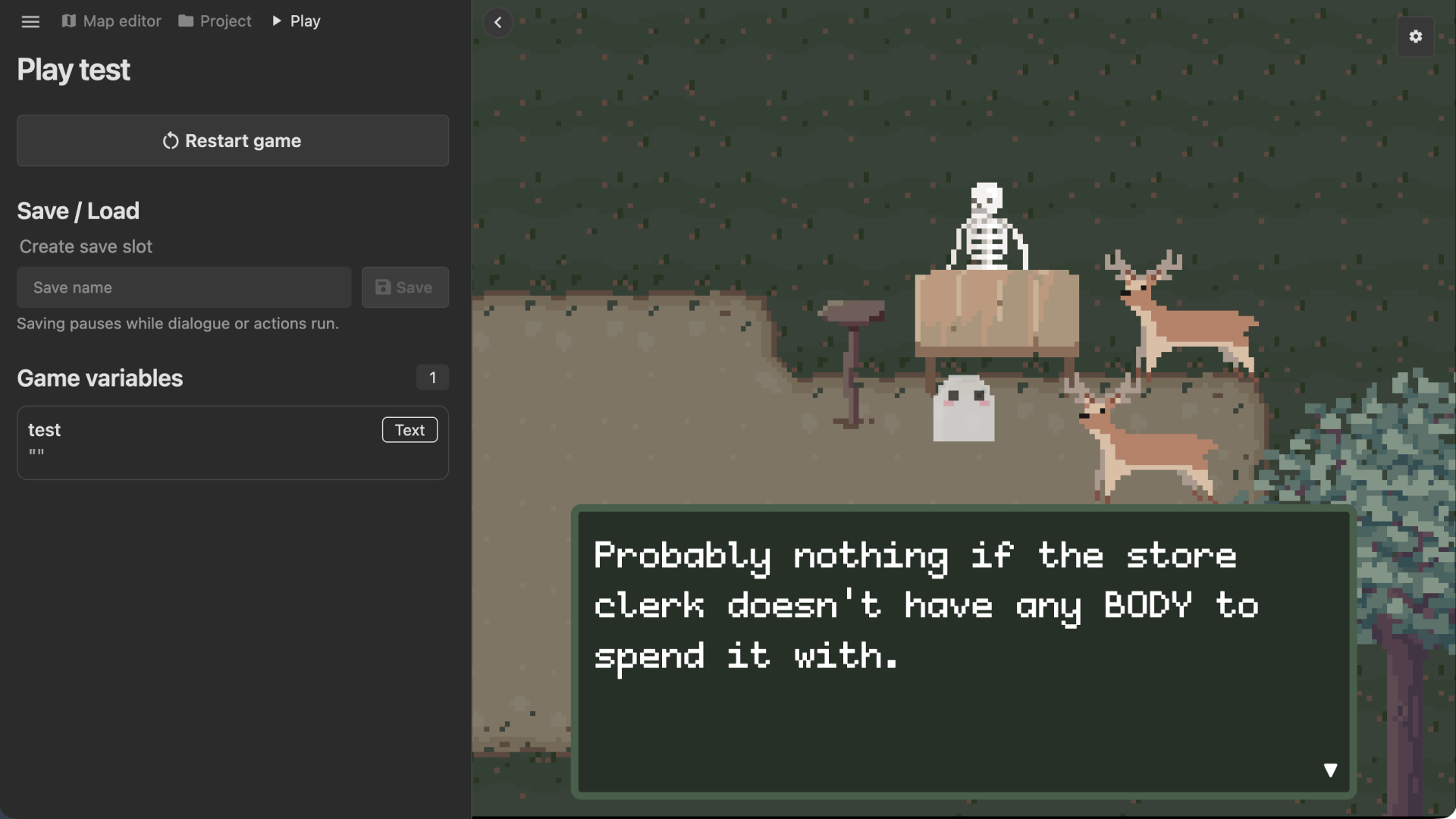
- Dialogue System
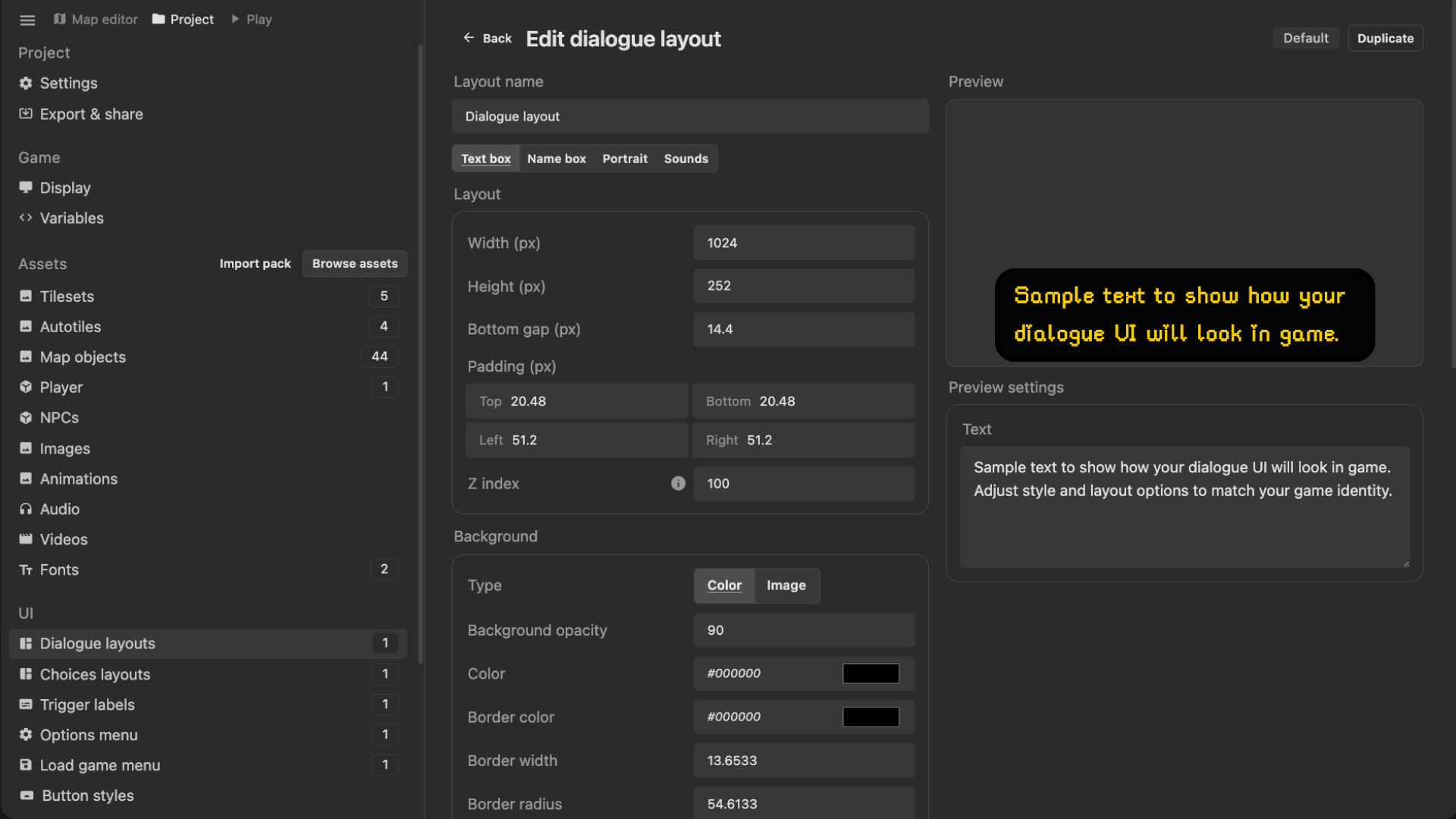
- Built-in dialogue editor
- Names, portraits, and dialogue voice sounds
- Conditional Branching
- Player choices and game variables
- Multiple-endings
- Import Custom Assets
- Art, music, and sounds
- Make animations, NPCs, Tilesets/Autotiles, Map objects and more
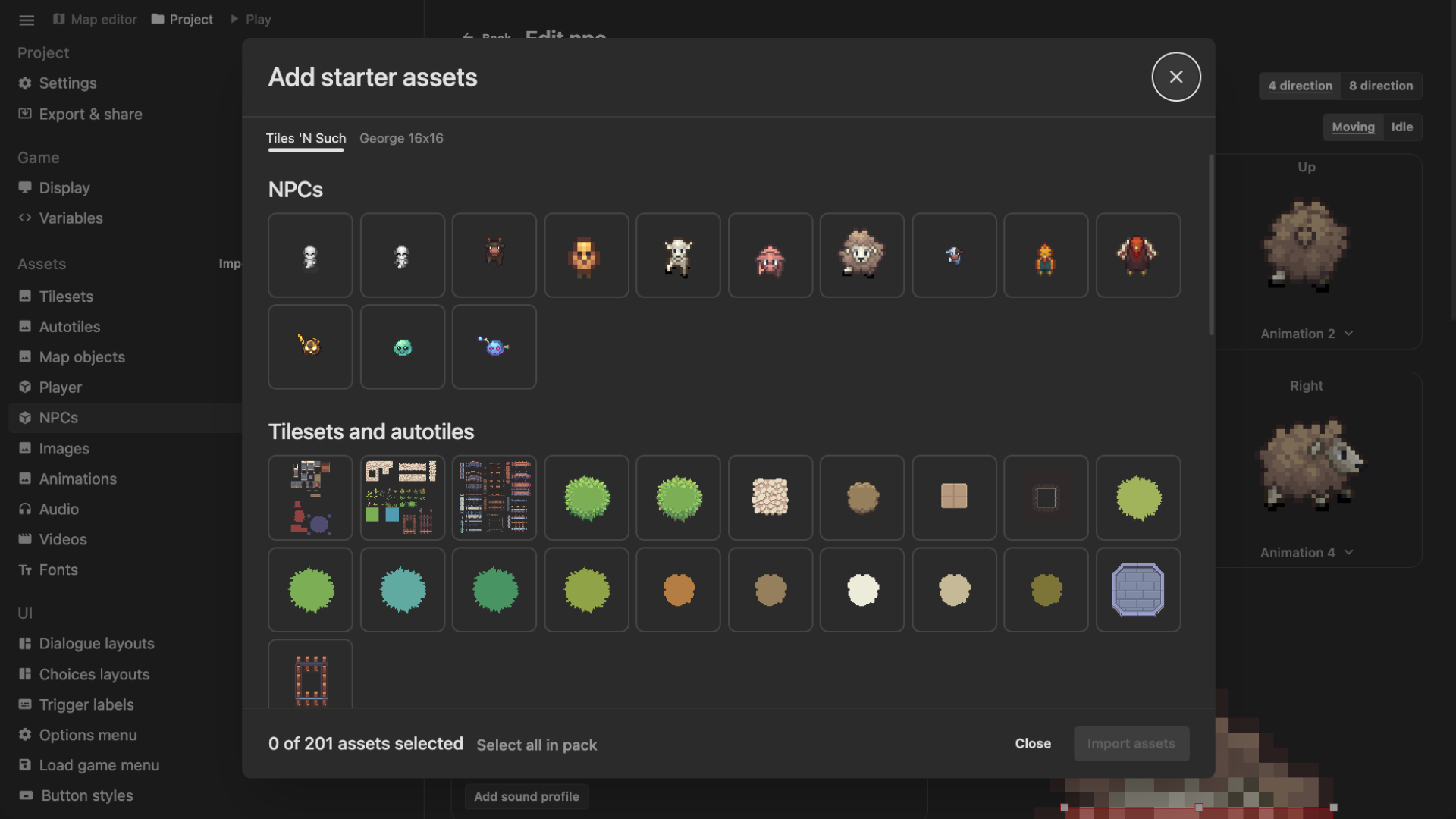
- Free starter assets
- Plugin System to extend your game with code
- Interactive tutorial project
- Windows exe, Web HTML, and instant share link exports.
- Auto-updates forever, including new features and continuous bug fixes.
- Steam key to redeem on steam
The free demo has all the same features of the full version and gets continuous updates, with the limitation that you can only create 1 project!
Get support via email (truman@pixelstories.io) or on our Official Discord.
Purchase
In order to download this PS Maker you must purchase it at or above the minimum price of $35.99 USD. Your purchase comes with a Steam key. You will get access to the following files:
Download demo
Development log
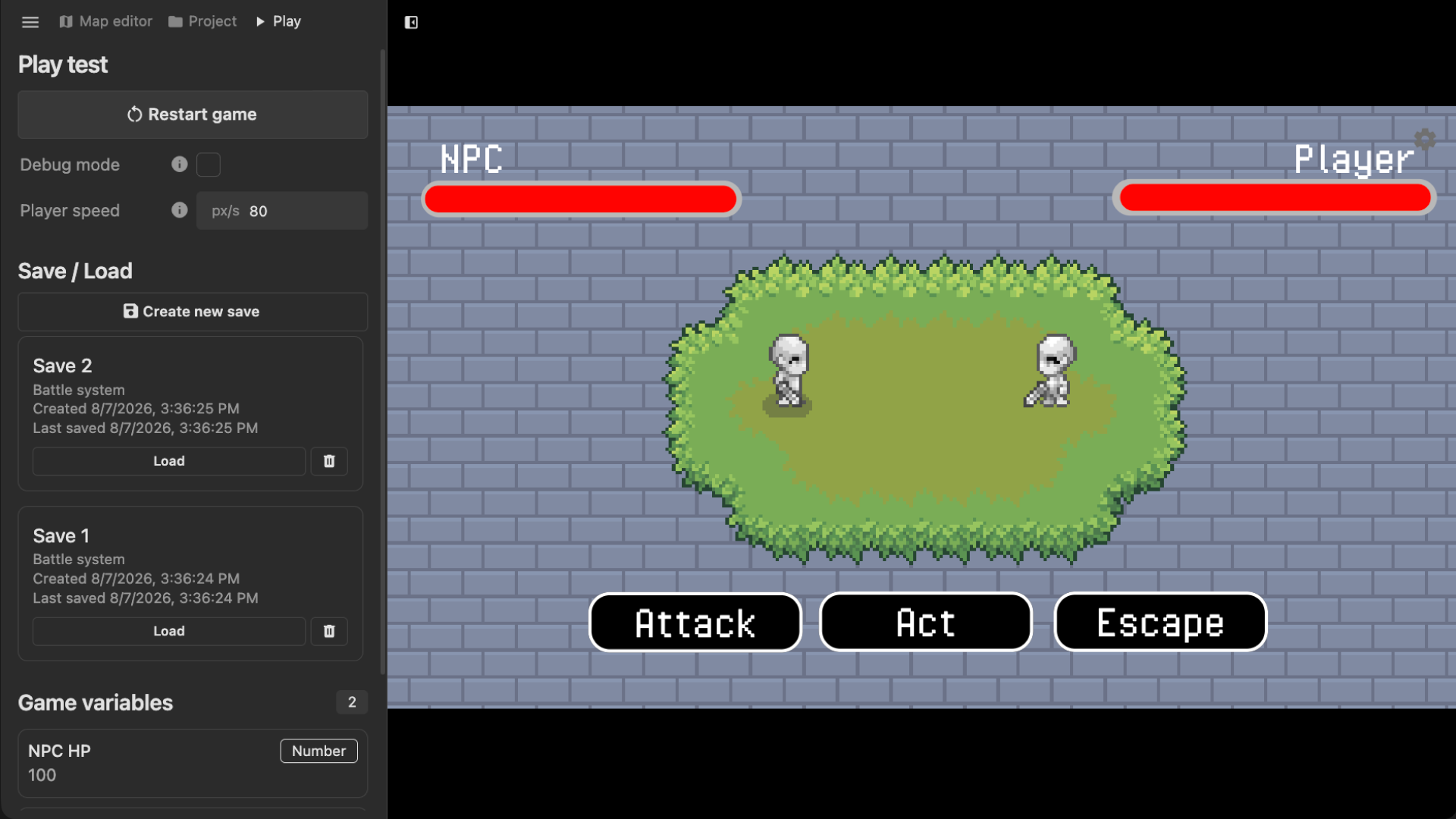
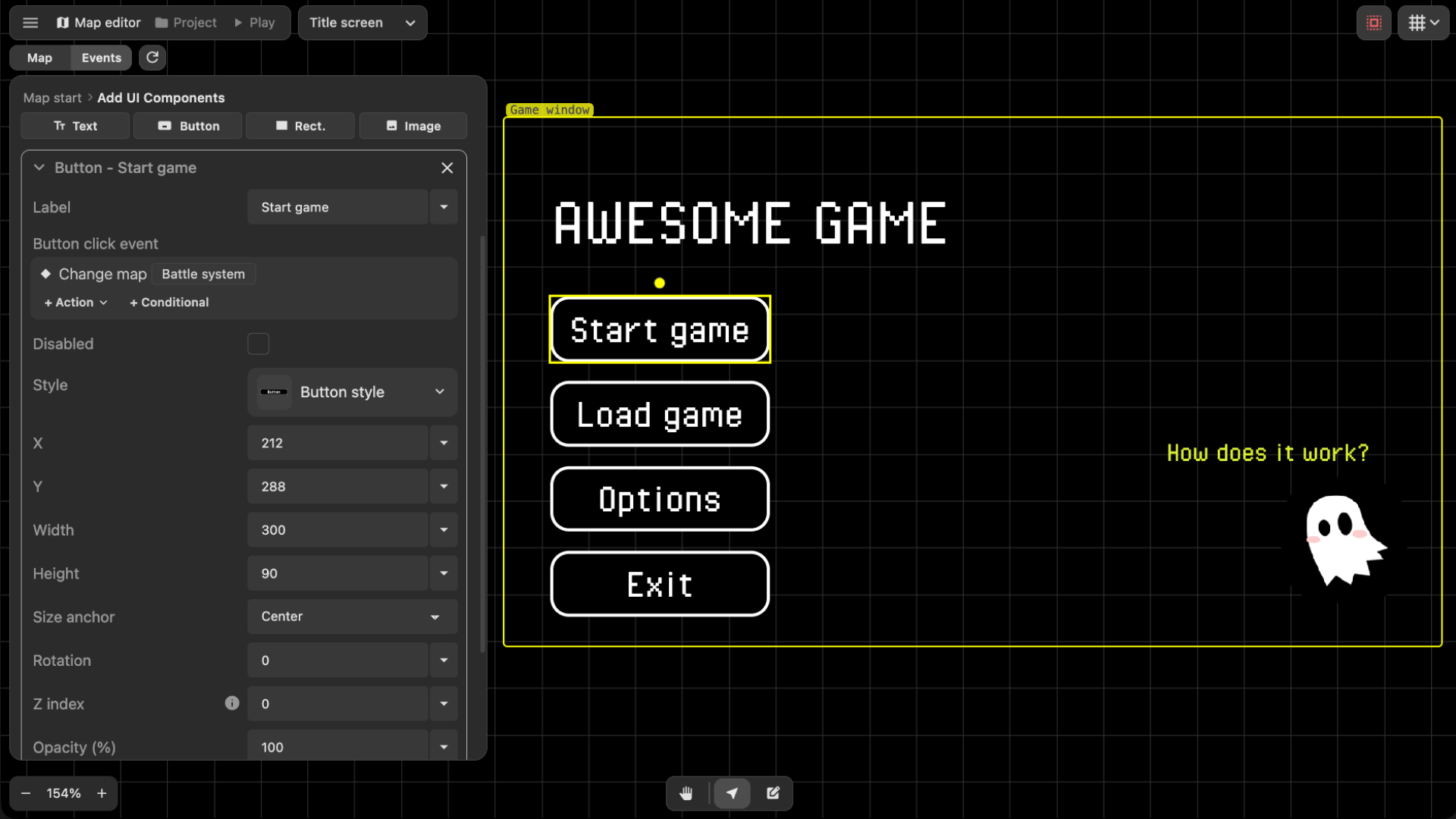
- PS MAKER 1.0 RELEASE!!! UI, Title Screen, Battle System, Many Fixes!10 days ago
- Dialogue Editor Update! (+ play video action, and many improvements)20 days ago
- Tiles 'N Such Update! + Q&A29 days ago
- Editor Qol Improvements and Global/Map/Trigger Scoped Events!35 days ago
- Big Updates 0.27 to 0.2938 days ago
- The Big 26 (0.26.0 release)74 days ago
- Dialogue Text Sounds! (Release 0.25)97 days ago
Comments
Log in with itch.io to leave a comment.
I bought the engine in Steam, and tried a few sample provided, but I couldn't find where to custom the input button. (trying change Z/ Enter to interact in this case.) Does the game have this feature yet?
Your engine is awesome, thank you.
Ah, this feature does not exist yet. I will add it to my list of things to add for a coming update! Thank you for the suggestion :)
Thank you so much! 🥰🥰🥰
If you bought PS Maker before the Steam release, you should have an gotten an email with the Steam key! Let me know if did not get it yet
Make sure to check your spam folder too. I hope I don’t get marked as a spammer after emailing so many people basically the same text with a different key D;
I will be emailing them out soon! If you don’t get them within today or tomorrow, please DM me :) Maybe the email would have failed
thank you for clarifying that! much appreciated, great software!
can't find trigger for video. so glad i got it early and for those coming in late, it is ready to rock for making stories the updates are just adding icing and more user friendly. you will spend most of your time creating the map you want then it all story time. find a character generator and you are golden
Ty for your comment! I’m curious what you mean for can’t find trigger for video?
Found it. Was looking in the wrong spot.
Any chance the original early buyers and supporters get a free steam key for your engine ? ususally ppl handle it that way once they move to steam... and it would show you're fair dev, no moneygrabber, <3 best regards
Yes definitely going to give people who bought on itch already free steam keys!!
TRUELY awesome i bow down to you as youre a classic 90s gamedev no dlc no subscription, one buy all in i truely congratulate you, in these times ppl like you are a true unique gem within the mass of ego/money ppl :) Best Regards <3
Just wanted to say thank you for such an amazing game engine!
By far this has the best and easiest way to make top down adventure/story games!!
And I have tried and used all the engines out there, Just amazing how straight forward and friendly this engine is in my opinion!
I bought a copy here and I know we get a steam key but I am going to re buy this again on steam just to help support this engine further!
I will gift one of the copies to a friend for sure and spread the word and love!
Take care and keep up the amazing work!
Thank you soooo much!!! I really appreciate the support and your kind words :)) I want to keep improving the engine more and more too, so stay tuned for updates.
If you get stuck with anything or want to see some feature added, send me a message on Discord! I’m very active in the server.
Have fun in creating your games :)
please add exporter to executable like windows, mac, linux or other
It is planned to be added in a future update!
thanks buddy ;D
I'm not sure why, but my version doesn't work at all. I got it just a week ago? Maybe a few days. I'm not sure, but I opened it up and tried to mess around with it and it seemed like a few things started glitching and I'm not even sure what went wrong.
But some notes on other things I noticed:
1. I can't see my cursor? I don't know where I'm going with my pointer until I hover over an icon or have a tile in my 'hand' and that's disorienting and confusing. Is there a setting for this somewhere I didn't see? And if so, why is it set to default?
2. I tried uploading some assets and then found out this is a 16 x 16 engine exclusively? Even though it asks me about the size of the tiles and stuff? Because when I tried to use my 32x32 stuff, it wouldn't let me. I'm not sure why. Is there somehow I could capture a snapshot of the thing and send you a bug report?
3. I had to really look around the screen to even find out how the map system worked because the bar up in the top left was difficult to even get my mouse on (invisible cursor) and even when I Did and clicked something, nothing happened until I figured out exactly where to click and on which one.
Would it be at all possible to just make it a button that folds out the side bar or switches from map to the other state and then back again with a bigger hitbox or something?
Also, it tried to update when I first installed it, failed. I had to turn it off, come back later and it finally updated or so it said. Maybe there was an error?
Basically this was nonfunctional for me, so I figured I'd uninstall until you launched to steam, get a steam key and see if it's just an issue with itch or something.
EDIT: You are giving people a bad impression on steam, also, by not being more active giving replies, as there are so few there and yet no interaction appears to be happening. You're probably busy and you might not have known that steam discussion can be had before the software or game drops? But they are asking questions and you aren't answering so they're starting to get a bit miffed about it. Not much yet.
Hi!! So sorry that something weird is going on with your PS Maker version! Best way to reach me is in the Discord server here: https://discord.gg/WTxUC4hEnS
This is super weird, I’m not doing anything custom with the mouse cursor. Maybe something with the operating system or browser if you are using from there? I need some more info to investigate.
The first map that’s created in a project is automatically 16x16 and you have to create a new map to specify a different tilesize to use. I realize this is not the best behaviour so I’m adding a tilesize field in the project creation dialog :)
I think a lot of the issue is coming from your cursor being invisible. If you could join the discord or let me know what system you are on, I really want to fix this!
I’m not sure what you mean by fold out the other state, but there is an option in the user preferences to increase the UI scaling. That should help!
Ah, if it failed to update, then likely you need to re-install using the installer. I believe I fixed a bug with the updater about a week ago so you may need a fresh install.
For the Steam thing, I had no idea Steam had the feature where people can post questions!! I’m going through them now and going to reply to all of them. Thank you so much for pointing that out I can’t believe I didn’t know this.
I want to just say thank you again for letting me know about the questions that were coming in on Steam. I still can’t believe I completely missed this as a function of Steam. They dont give any emails, notifications, or any indication that it existed before the game launched! There’s no telling how long I would’ve went without replying to the questions if you hadn’t mentioned it here. I very well could have completely missed up until launch!!
No problem, it was weird that there wasn't a single reply from you on there, so I thought maybe you didn't know or were too busy and it fell through the cracks.
As for the problems in my own program, I'm going to reinstall it, run it again and see if anything is different. If the first project is forced to be 16x16, does that just mean I have to make another one? That's a simple fix, I guess. It's just that I don't know of any documentation online for PS Maker, so I don't know where things are, in general. Tutorials really only show you how to do specific things, not where everything is or what it's for and all its possible uses. So I got overwhelmed with all the problems and then couldn't figure out what to do next.
But if the reinstall fixes the mouse issue, I would probably be able to find my way around, at least. Let's hope. I'll reply to your other reply to me once I have and let you know if it was fixed or if it's the same.
Okay, so I figured out a big part of the problem, but it didn't fix the cursor thing. Something else did, at least as long as I had it running and it's a bit weird.
Long story short: I bought this game with a different email by accident, but I thought I had connected it to my account by logging in afterwards. Apparently this was not the case, even though the record of my buying it is on this account. So I downloaded the demo and that's why the interface was all weird.
But I downloaded the right version from the purchase page link this time and my cursor still didn't show up. I was going to use my snipping tool to send you a video, but then when I had it on... SUDDENLY my cursor was there!
It disappears as soon as my snipping tool is ended, but as long as it's on, the little grabby hand appears. Maybe some issue with the account not being connected to the purchase could've been the problem with downloading, but I don't think it's the problem with the cursor, since I didn't download through itch's app and just did a direct download. It won't even let me download anything other than the demo on the app.
So it's some kind of display thing, that's for sure.
Also, your 'open docs' thing isn't working. The link to the documentation is broken or something.
Oh, and is there a tutorial on how to make autotiles somewhere in the docs? I am so confused on what pieces to put where.
Weird stuff about the cursor!! Giving support is a bit challenging with itch comments since we can’t really have real-time communication. Would you be able to join the Discord and we can try to figure out whats going on there? Discord is here: https://discord.gg/WTxUC4hEnS
Also I will fix the Help manual link. ty for pointing that out :)
the price is hurt me but looks very cool
I suggest using the free demo in the mean time! It has all the same features of the full version and will get continuous updates. The limitation is that you can only create 1 project :)
Hello! How can I gift this to another user at a later date?
There should be an option to “Give this tool as a gift” at checkout! It would just be the itch gifting system.
Thank you!
This seems like a REALLY cool idea, and the added bonus that it's not made by Gotcha Gotcha Games all but sells me on this. Real interested to see where this ends up going.
Thank you so much!! Stay tuned, many updates are coming since lots of people have been requesting features!
I noticed it's releasing on Steam now. Is Itch still gonna get updates?
Yes it will keep getting updates on itch as well!
Also I want to mention, if you bought it on Itch, I will give you a Steam key once it’s released on Steam!
Cool!
How will I let you know I bought it here?
I’ll email everyone who bought on Itch with a Steam key. If you don’t end up getting one, join the Discord and ping me!
Ok
Amazing to know. Then I will grab it here since steam release is still way off
hello
hello
Hi guys